
Shopify SEO Optimisation: Generate More Traffic for Your Store
You have built your Shopify store perfectly, but Google is still not sending traffic: sounds familiar? It is because you are not alone. Shopify has over 49k stores in London alone, which means the competition for organic visibility is very high. At least 28% of all UK retail sales are done online in 2026, making the brands a huge portion of a £127 billion market.
The problem here is that, despite the large number of UK stores, most Shopify SEO guides are generic and serve a global audience. But in this guide, we will show you the UK-specific steps that move the needle for stores selling to British customers.
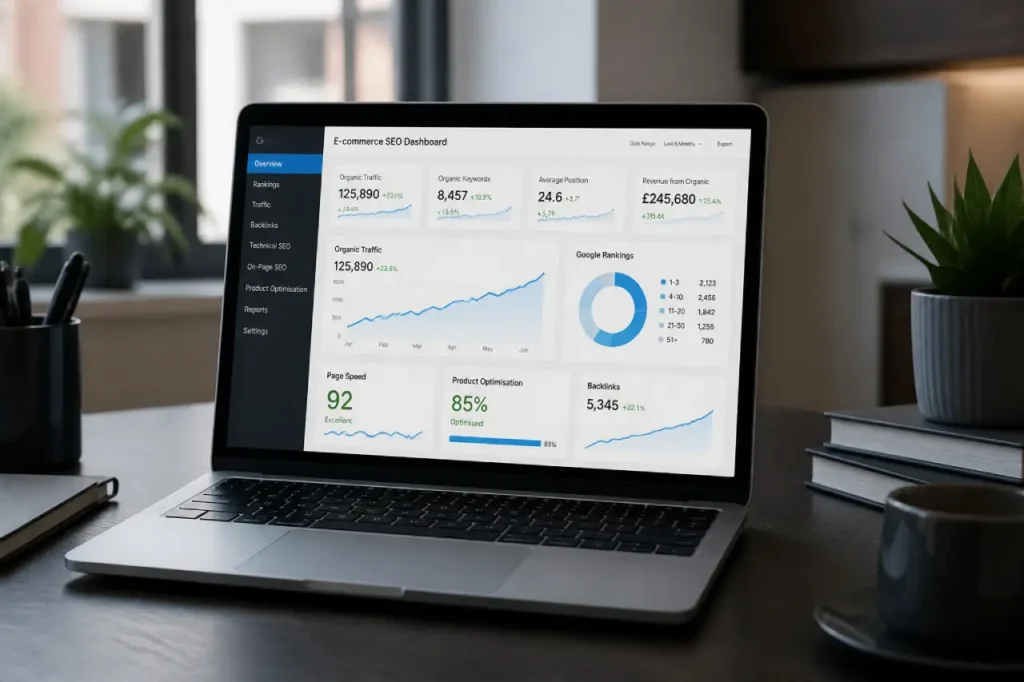
Why is Shopify SEO so Important for UK Stores?
Shopify SEO is optimising your store, without paid ads, so that it appears higher in Google’s organic search results. It involves optimising the page structure, loading time, product titles and descriptions, and backlinks.
SEO for Different Platforms
Shopify may handle the SEO basics like XML sitemaps, canonical tags, and CDN, but automating does not mean work is done. There are some Shopify SEO challenges that WordPress or custom-built sites do not face, like default URL structure, page duplication, and limited control over technical settings. A deep understanding of these issues helps Shopify stores rank faster.
Why UK Store Owners Face Unique SEO Challenges?
Ranking Shopify stores in the UK is much different from ranking globally. UK searches in Google factorise domain extension, server location, hreflangs signals and localised content, when showing results to a British audience. A store that has properly configured its UK targeting signals will win over the store optimised for a global audience.
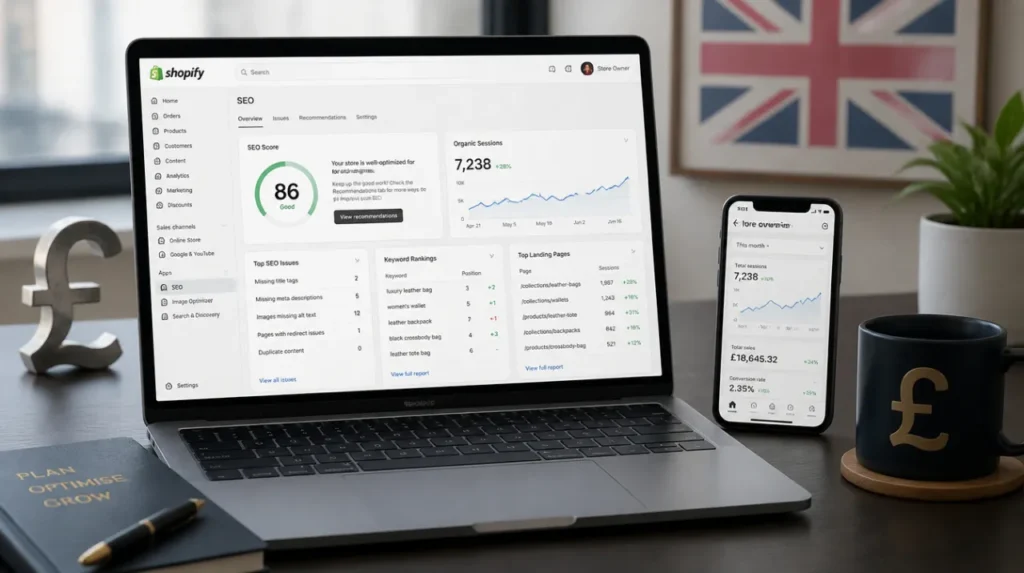
UK-Specific Shopify SEO Setup You Can Not Skip
These foundational UK Shopify SEO settings are important to note before optimising product pages or building backlinks:
| Setup Task | Why It Matters | Difficulty |
| .co.uk vs .com Domain | .co.uk sends a strong geo-targeting signal to Google for UK searches | Easy |
| GSC UK Property Setup | Shows UK-specific rankings, impressions and crawl errors | Easy |
| Hreflang en-GB | Tells Google your store targets English-speaking UK users specifically | Medium |
| Google Merchant Centre UK | Requires VAT-inclusive pricing; incorrect setup decreases visibility | Medium |
Domain: A .co.uk domain gives Google a clear signal that your store is for British shoppers, while a .com domain requires you to work harder on other geo-targeting signals to compensate.
Google Search Console: Set up your property using your exact domain name. In Settings, choose geographic target as the United Kingdom.
Hreflang for UK stores: Add this tag to the header section of your UK store’s Shopify theme:
<link rel=”alternate” hreflang=”en-GB” href=”https://yourstore.co.uk/” />
Google will know that you are targeting a British English-speaking audience.
Google Merchant Centre UK: When setting up your product feed, UK law requires prices to be displayed inclusive of VAT for consumer-facing products. Feeds with ex-VAT pricing get flagged and disapproved, killing your Google Shopping visibility.
Shopify Store Not Showing on Google?
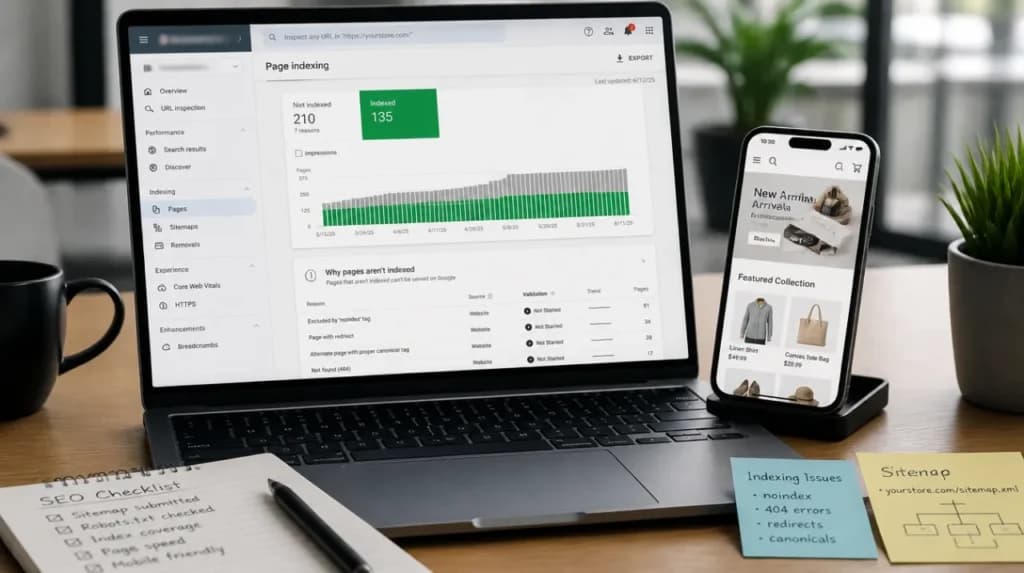
The reason your Shopify store is not showing on Google might be non-indexation, blocked crawlers or a no-index tag applied to key pages. Often, duplicate URLs are created by Shopify that waste your crawl budget. Here is how you can identify these issues:
Check the Google Indexation of Your Store
Open Google and search: site:yourstore.co.uk; no results mean Google has not indexed your store. In case only a few pages appear, many of your pages are being missed or blocked. Go to Google Search Console, open Pages and report; this will give you details about indexed and excluded pages.
Common Indexation Errors in Shopify
- Password protection still on: If you launched but forgot to remove the storefront password, Google cannot crawl any page. Check: Online Store, go to Preferences and then Password protection.
- Noindex tags on key pages: If important product or collection pages stop appearing in search, check Google Search Console’s “Excluded by noindex tag” report.
- Thin or duplicate pages: Shopify creates multiple URLs for the same product, spending crawl budget on duplicate and thin content.
Submit Sitemap to Google Search Console
Your Shopify sitemap is automatically generated at: yourstore.co.uk/sitemap.xml. In GSC, go to Sitemaps, then Add a new sitemap and submit this URL. This tells Google exactly the pages to crawl and prioritise.
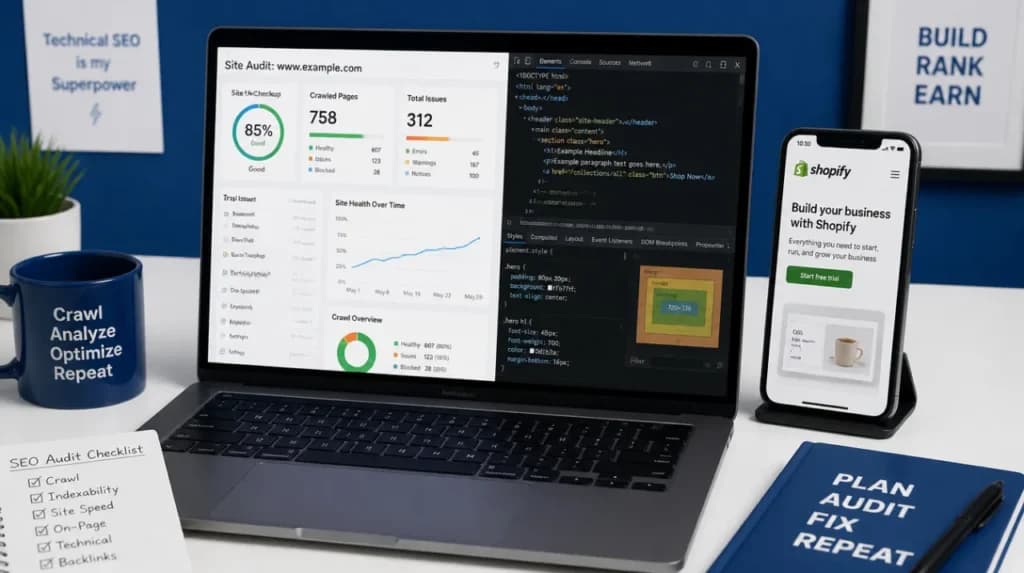
Technical SEO for Shopify
For Shopify stores, three technical SEO issues are most common: duplicate content, poor URL structure, and misconfigured crawl settings.
Shopify Duplicate Content
Fixing duplicate content is the most common Shopify SEO problem that store owners face. When a product appears in a collection, Shopify creates two URLs for it:
- /products/blue-trainers (the canonical product URL)
- /collections/footwear/products/blue-trainers (the collection path)
Although visitors don’t notice any difference, search engines see these as two separate URLs serving essentially the same page. Shopify normally handles this with canonical tags, but it’s still worth checking that they’re pointing to the correct /products/ version instead of the collection path. A quick manual check only takes a few seconds: open the page source, search for “canonical”, and confirm the URL matches the main product page.
URL Structure for Shopify
You can’t remove Shopify’s built-in URL folders, such as /products/ or /collections/, so there’s little value in worrying about them. The part you can control is the slug itself. Keep it descriptive, readable, and relevant to the page rather than filling it with version numbers or unnecessary words.
- /products/mens-leather-wallet-uk
- /products/prod-1234-new-version-final
Robots.txt and Noindex in Shopify 2.0
Shopify 2.0 allows you to edit your robots.txt file directly. Shopify blocks internal search results, cart pages, and checkout; do not unblock these. Make sure your main collection pages, product pages, and blog posts are not accidentally listed under Disallow.
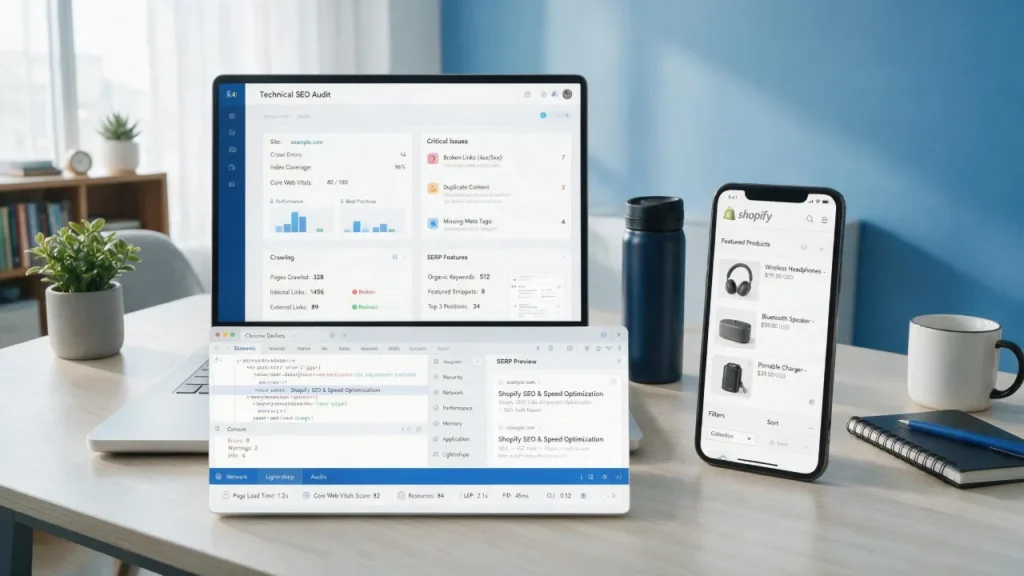
On-Page SEO for Shopify
Most UK Shopify stores ignore on-page SEO, leaving the money on the table. Product titles, descriptions, meta tags, and internal links all signal to Google what your pages are about and who they are for. If done right, on-page SEO turns a store that Google actively recommends.
Write SEO-Optimised Product Titles and Descriptions
Include your primary keyword in titles naturally, and add a UK modifier where relevant:
- Men’s Slim Fit Chinos — Navy | Free UK Delivery
- Chinos Navy v2 New
Never copy manufacturer text for descriptions; your competitors are probably using the same copy. Write at least 150-200 words per product, answer common buyer questions, and include your target keyword once or twice naturally.
Shopify SEO for Collection Pages
Many stores leave collection pages with nothing except a product grid. That’s a missed opportunity. Even a brief introduction explaining what the collection includes can give Google valuable context and help the page target broader category searches. This gives Google text to index and signals what the collection is about.
Meta Titles and Meta Descriptions
- Meta title: Keep under 60 characters; include your primary keyword near the front. For UK stores, adding “UK” or “| Free UK Delivery” at the end helps both rankings and click-through rates.
- Meta description: Keep under 155 characters; it may not affect rankings, but it does affect click-through rate. Write it like an ad: what do you offer and why should they click?
Internal Linking Strategy for Shopify
Link from your blog posts to relevant collection and product pages and between related collections. This distributes page authority across your site and helps Google understand your site structure. Remember a simple rule: every blog post should link to at least one collection page.
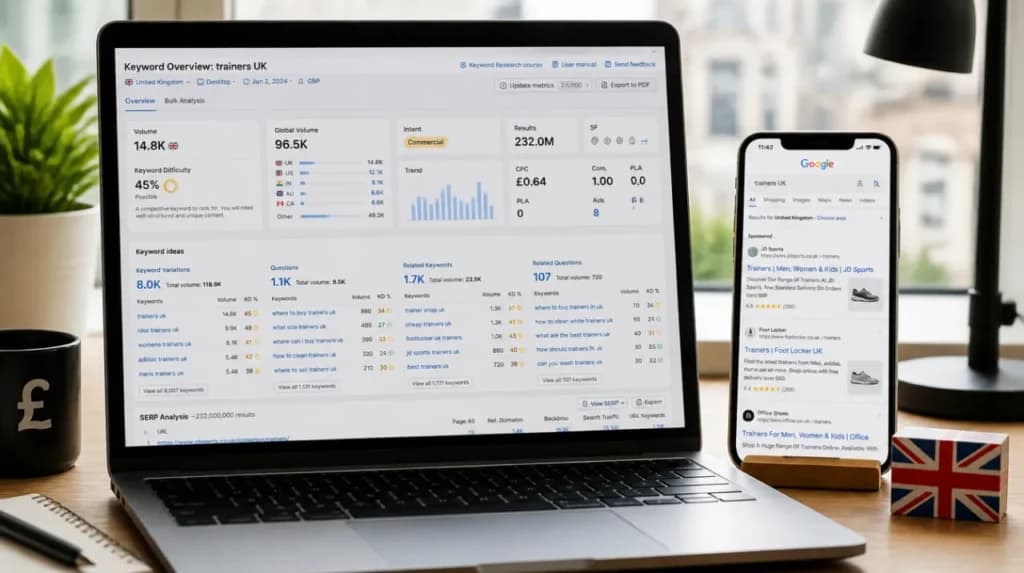
Keyword Research for UK Shopify Stores
UK customers search differently from US customers:
- UK shoppers search “trainers” instead of “sneakers”, “jumper” in place of “sweater”, etc
- UK users use commercial intent modifiers like “UK”, “free delivery”, or “next day delivery” in product searches.
- Search volume increases for certain products around UK-specific events (Bank Holidays, Boxing Day sales)
Tips for UK Keyword Research
- Use Google Keyword Planner with the location set to the United Kingdom to pull UK-specific volume.
- In Ahrefs or Semrush, filter SERPs by UK location to see who’s actually ranking for your keywords in Britain
- Check “People Also Ask” on Google.co.uk, real UK search intent match
- Target “buy + product + UK” commercial intent keywords on collection pages
- Use long-tail keywords for blog content: “affordable leather bags uk” is better than “leather bags”
Shopify Site Speed and Core Web Vitals
Page speed is a confirmed Google ranking factor, and Shopify stores commonly struggle with it due to heavy themes and app bloat.
| Issue | Cause | Fix |
| Slow LCP | Large uncompressed images | WebP format + lazy load |
| High CLS | Theme fonts are loading late | Preload fonts in the theme.liquid |
| Poor FID | Too many Shopify apps | Audit & remove unused apps |
| Slow TTFB | Heavy theme code | Switch to Dawn or a lightweight theme |
Run your store through Shopify SEO tools like Google PageSpeed Insights. Fix the “Opportunities” flagged; these are the highest-impact changes. Aim for a mobile score above 70, which most unoptimised Shopify stores fall below.
10 Shopify SEO Mistakes UK Store Owners Make
- Ignoring collection pages and only optimising individual product pages
- Copy-pasting manufacturer descriptions
- Not fixing /collections/products/ duplicate URLs issues with canonical tags.
- Skipping alt text on product images as they drive Google Image traffic
- Using too many apps that slow Core Web Vitals
- No internal linking between collections and blogs
- Targeting global keywords instead of UK-specific ones
- Never checking GSC for crawl errors
- Missing redirect setup after deleting products
- No schema markup on product pages
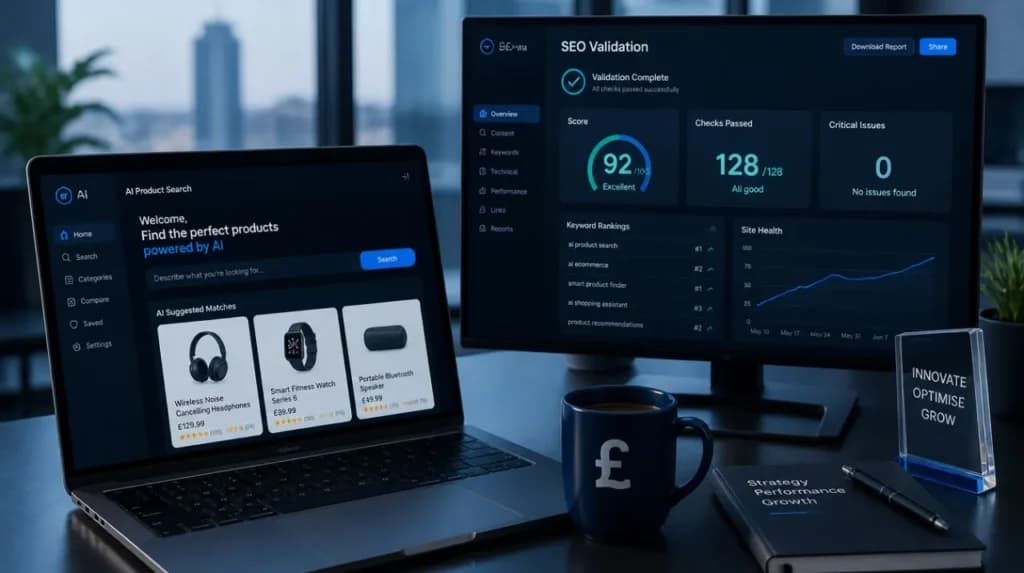
Shopify SEO in the Age of AI Search
Google’s AI Overviews are now appearing for a growing number of ecommerce-related searches. To appear in AI search results, your store needs to be clearly structured and authoritative.
Schema Markup for Shopify
Schema markup is structured data that helps Google understand your content. For Shopify stores, the three most important types are:
- Product schema: price, availability, SKU (Shopify adds this automatically, but do verify)
- Review/Rating schema: displays star ratings in SERPs, significantly increases click-through rate
- FAQ schema: add this to collection pages with a Q&A section to appear in AI Overviews
Use Google’s Rich Results Test to check your current schema implementation.
E-E-A-T for UK Ecommerce Stores
Google’s quality guidelines emphasise Experience, Expertise, Authoritativeness, and Trustworthiness. For UK stores, this means:
- Add a detailed About Us page with real people, real story, UK address
- Display customer reviews prominently, UK shoppers trust Trustpilot and Google Reviews
- Include a UK returns policy and clear contact information; these are trust signals to both Google and buyers
- Get mentioned or linked from UK publications and directories, and local backlinks carry more weight for UK rankings than generic global ones.
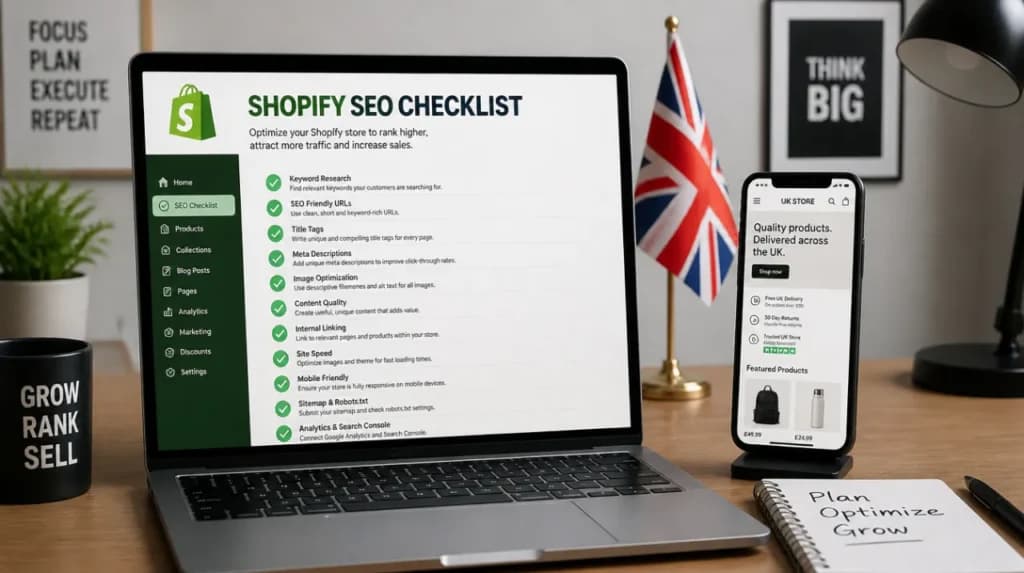
Quick UK Shopify SEO Checklist
Shopify Technical SEO
- Google Search Console UK property set up
- XML sitemap submitted
- Duplicate content fixed on collection pages
- Canonical tags verified
Shopify On-Page SEO
- Unique product descriptions written
- Meta titles under 60 characters
- Alt text on all product images
- H1 on every page
Shopify UK-Specific SEO
- Hreflang en-GB added
- GMC UK feed verified with VAT pricing
- The .co.uk domain is configured