
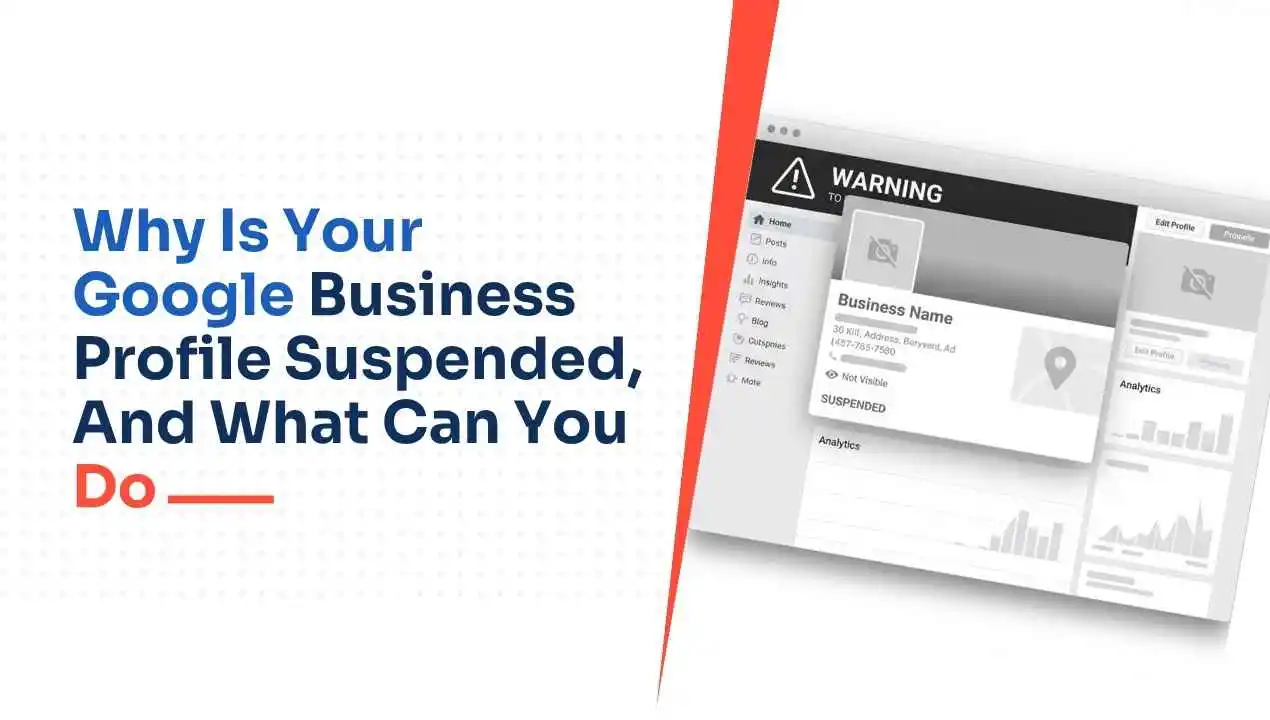
Why Is Your Google Business Profile Suspended, and What Can You Do
Your Google Business Profile has been deleted from Google Search and Maps without explanation. Every hour it remains offline, a potential customer searching for your business finds your competitor. This is not a technical glitch; it is a policy enforcement action, and it will not resolve itself without direct intervention.
Google has suspended a lot more Business Profiles since late 2024. Google’s AI systems now look for patterns across your entire account, not just individual fields. Companies that followed all the rules are being suspended for triggers they never knew existed.
This guide covers every confirmed reason for a “Google Business Profile suspended” and precisely what you need to prepare before you appeal. And what Google actually reviews during that appeal, and what to do if your appeal comes back denied.
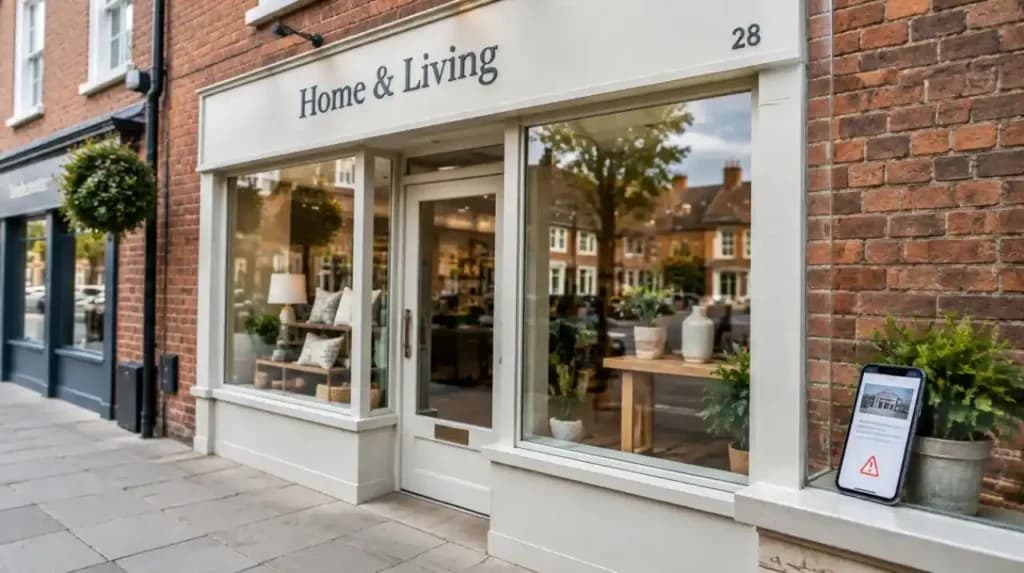
What “Google Business Profile Suspended” Actually Means?
Three states confuse many business owners. Each state will demand a unique solution to address the situation. Recognising which state you are in before doing anything else can save you time and effort.
- Unverified: This state means that although your profile exists, Google has never confirmed it belongs to an actual business.
- Disabled: This state means that the business owner has violated certain Google policies, and the only way to recover the profile will be to go through a rigorous process.
- Suspended: This state means that you violated some rules set forth by Google, but your profile has not been deleted yet. All information contained within your profile still exists on Google’s servers, but you will no longer see your reviews and listings because your profile has been taken offline.
Hard Suspension vs Soft Suspension: Which One Do You Have?
Understanding the suspension type defines your entire strategy. Making assumptions and taking action based on those will only lead to a waste of time.
Soft Suspension: It refers to when your Google Business Profile remains on Google Search and Maps. But in such a case, you cannot make any edits or posts within your dashboard. This situation is usually caused by multiple changes made in your listing information, one after another. In many cases, solving the initial cause behind the problem can help resolve soft suspensions.
Hard Suspension: In case of a hard suspension, your profile has been totally removed from Google’s Search and Maps. People who search for the specific business name cannot find anything. Hard suspensions always require a formal submission through the Google Business Profile appeals tool; correcting the issue alone is not sufficient to restore visibility.
| Factors | Soft suspension | Hard suspension |
| Profile visible to customers? | Yes | No |
| Management access locked? | Yes | Yes |
| Appears in Google Maps? | Yes | No |
| Requires formal appeal? | Not always | Always |
| How to confirm? | Search in incognito mode (profile appears) | Search in incognito mode (shows nothing) |
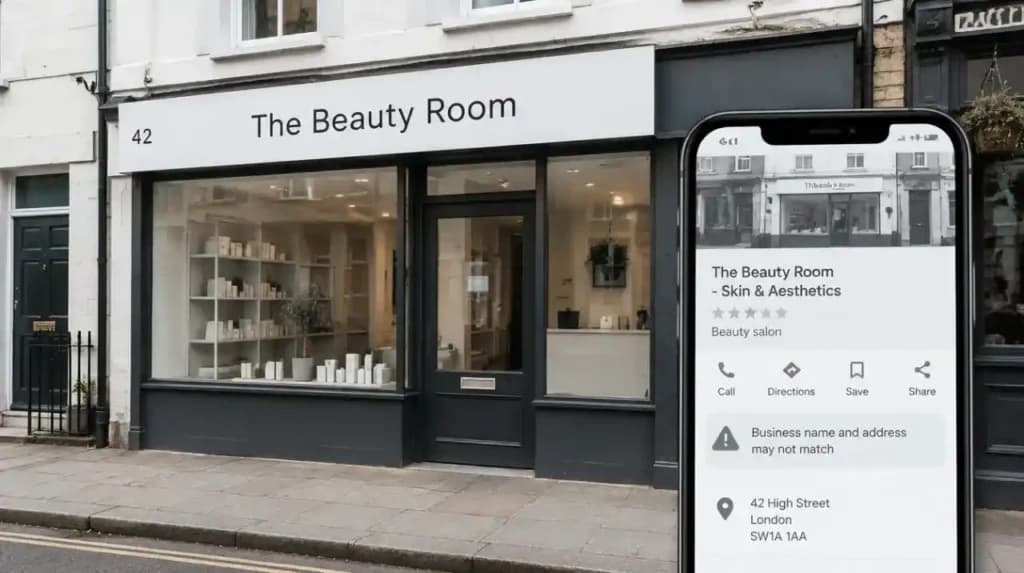
Why Is Your Google Business Profile Suspended?
The cause for such suspensions is never revealed by Google directly in the email. The below-listed causes have been verified from the GBP Guidelines and GBP Expert Case Study Reports for thousands of cases of suspensions in the UK.
Business Name and Address Violations
Keyword stuffing of your business name is the most common reason Google flags a profile in the UK. Google requires your name to match your Companies House registration and physical signage exactly: no location terms, no descriptors, no added keywords.
Address violations occur at an equal frequency. The use of a PO box, virtual office, or even a shared workspace violates Google’s guidelines directly. Service area businesses must enter a valid address and hide it from public view in their settings.
Suspicious Activity and Algorithmic Sweeps
Google carries out automated enforcement sweeps within whole industries. The industries that receive sweeps most often include locksmiths in the United Kingdom, solicitors, estate agents, HVAC engineers, and financial advisors. This is because these industries have the highest incidence of fraudulent listings.
Your account can be suspended without committing any offence. All that is required is to be in a flagged industry during an enforcement sweep period. Making several modifications to your name, address, category, or phone number within a single session will trigger Google’s spam filters.
Account-Level Problems and Verification Issues
Your business profile will be removed from the Google listing if the personal accounts of your managers or owners are removed or banned by Google. Business owners often learn about the link between the Google account and their GBP only when it is too late.
Other factors may trigger enforcement independently, separate from the problems listed above. This includes failure to complete video verification or providing documents that do not match the address used for your current business profile.
Suspended After Changing Your Address, Category or Phone Number
Suspended Google Business Profile after modifying the address is the most common type of suspension for UK business owners. When you modify your address, Google will verify that you are legitimate at this new address, but most of the time, this causes your business profile to be taken down.
Modifying your phone number to one that does not match your website or other sources causes inconsistency in your data. Google cross-checks your profile against Companies House, Yell, and Yelp. This increases the chances of Google flagging your profile. Your GBP is the foundation of your local SEO presence; any inconsistency across directories puts your entire local visibility at risk.
Why Is Google Suspending More Profiles in 2025 and 2026?
Google is suspending more profiles because its AI detection systems now evaluate behavioural patterns, third-party data consistency, and profile completeness simultaneously. Older systems checked individual fields in isolation. The new system flags patterns, and it catches legitimate businesses alongside spam.
Two of the most recognised experts in GBP in the world confirmed this shift. Joy Hawkins and Ben Fisher stated at BrightLocal’s 2025 Local SEO for Good event that Google’s updated appeal process is now significantly more unforgiving than in previous years. Suspensions remain the biggest frustration reported by GBP managers across the industry.
Triggers now include adding location keywords to your business name, using a shared office address, and listing 24/7 hours without a verified physical location. Increasingly, even stable profiles of five years or longer are being swept up in the algorithmic dragnet. If your NAP Name, Address, Phone is not the same on your website, Companies House record, and every directory listing, then your risk of suspension today is substantially higher than it was 18 months ago.
What to Do Before You Submit Your Appeal
The worst thing you can do is to appeal immediately after realising that you have been suspended. Appealing without fixing the issue at hand will result in an immediate denial, and this greatly affects your chances of successfully appealing in the future. Use this checklist to fix suspended business profiles before you enter the appeal tool:
- Find out the reason behind your suspension. Look up your violation category by reading the Google suspension email. Check your profile against the guidelines.
- Fix the problem that caused your profile to be flagged. Remove keyword stuffing from your profile name. Change the address if it does not match the allowed list. Remove managers whose Google profiles have been flagged. Do not submit while the violation still exists.
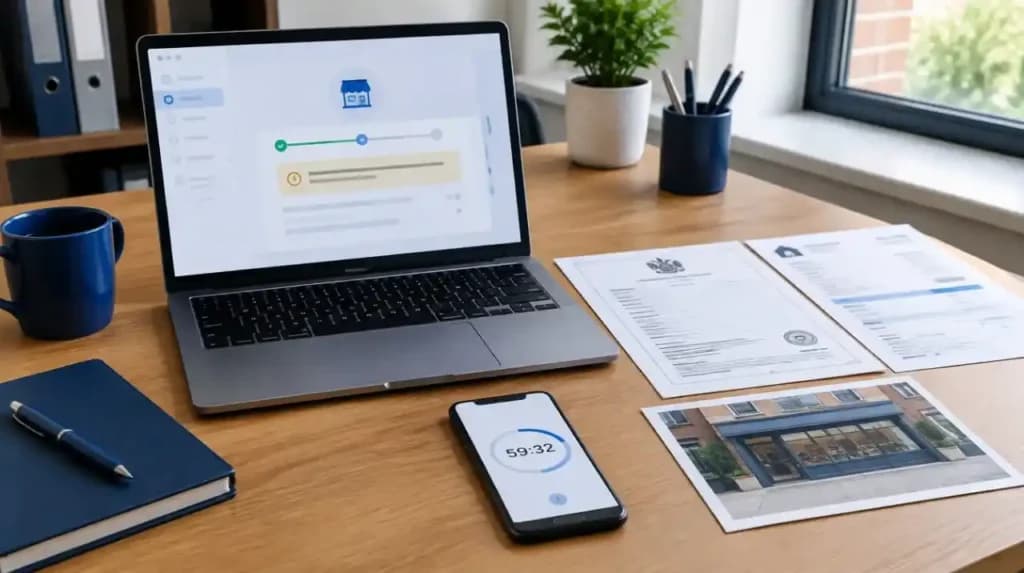
- Gather your documentation offline before entering the appeal tool. Every document must show the same business name and address as your profile. One mismatch triggers automatic denial.
How the Google Business Profile Appeal Process Works
Use the official Google business profile appeals tool found in the Google business help centre. Sign in using your exact Google account that matches the one linked to the flagged profile. Using another email will not allow the system to find your affected listing. Select your flagged profile and check the eligibility status. If it reads “Cannot be appealed,” the standard Google My Business support route is closed entirely. If it reads “Eligible for appeal,” proceed to submission.
The 60-Minute Upload Window
Once you click on Submit, a 60-minute timer starts ticking right away. You get 60 minutes to submit your evidence by filling out the form that appears after submission. Failure to provide this evidence in time means that “Google’s Business Profile suspended how to fix it” yourself will proceed without any evidence. Google itself states on its support page that evidence submitted beyond the 60 minutes would not be considered for your appeal.
What Google Reviews During an Appeal
Google’s team manually checks whether your documents match your business name and address exactly. And also check that the particular violation you received has been fixed, and finally, that your type of business is eligible for Google My Business to begin with.
Online-only businesses, businesses at ineligible addresses, and businesses whose documents contradict their profile details do not qualify for reinstatement regardless of evidence volume. In the 1,000-character narrative box, explain what caused the issue, what you changed to fix it, and why your profile now complies with Google My Business guidelines factually, with no emotional appeals.
How Long Does a Google Business Profile Suspended Appeal Take?
A GBP appeal typically takes three to four weeks in such scenarios. This time frame is consistent with feedback from Google Product Experts in the GBP Help Community, as well as from successful users whose profiles have been reinstated. Do not resend appeal requests or contact customer service during the review process. Additional contacts concerning the same profile do not speed up the process. Additional contacts can complicate your appeal.
To check the status of your appeal request, go back to the appeals tool using this URL: support.google.com/business/workflow/13569690. Once the appeal process is complete, the status will be updated to either Approved, Not Approved, or Cannot Be Appealed. In addition, you will receive an email notification at the address associated with your account.
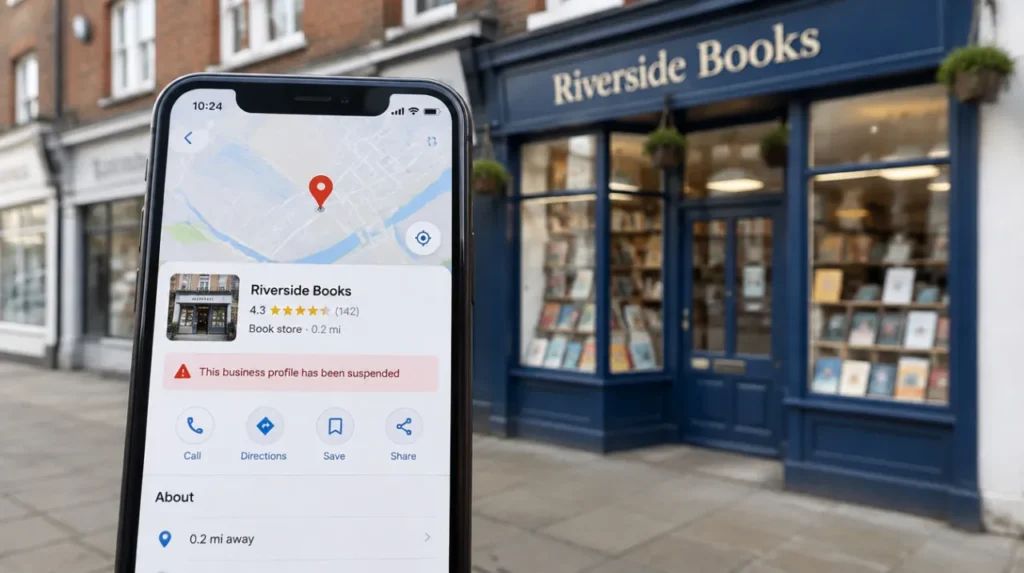
Specific Situations: What Your Suspension Label Actually Means
Google uses various terms for suspensions in its emails and dashboards. Each term is associated with a different reason, which also necessitates a unique way of solving the problem. This section covers the four most common suspension terms used by UK business owners. Understanding each term will definitely help in preparing the appeal.
Situation 1: Google Business Profile Suspended for Suspicious Activity
Google business profile suspended for suspicious activity indicates that Google’s algorithm identified a pattern of activity on the account that appears to be spam or manipulation. These patterns could include frequent changes, managing multiple profiles from the same account, changing the location of logins, or conflicting information with outside business records.
How to fix: Be sure to review all recent changes to your profile carefully. Review the manager list on your account and eliminate any users that you cannot verify. If you have performed multiple rapid changes recently, provide this information.
Situation 2: Google Business Profile Suspended After Changing Address
This is the most common reason profiles are flagged in UK communities. Once you change your address, Google checks whether your business actually exists at this new place.
How to fix: Before you make an appeal, make sure that all the documents that you provide reflect the correct and updated address of your company. All the documents should show your new address because any document reflecting your old address will be detrimental to your case. Change your document before the appeal, not after.
Situation 3: Google Business Profile Suspended for Deceptive Content
It is the most confusing one for UK-based business owners. This verification status is assigned by Google when the profile data doesn’t reflect the real business as represented. Such cases arise following major rebranding, relocation, or change of the category of the business. The updated information does not match the previously verified data in Google’s eyes and may be deemed deceptive.
How to fix: You have to provide sufficient documents that would fill the gap between the old verified data and the new accurate information about your business. Audit all the parts of your GBP according to Google requirements.
Situation 4: Google Business Profile Suspended for No Reason
Many business owners from the UK type “Google Business Profile suspended for no reason” since the email from Google mentions that the profile has been flagged for a violation of its policies, but does not explain what triggered it. The vast majority of the time, the reason your profile flag is usually an algorithm sweep, a spam report by a competitor, a regular customer, or an unnoticed NAP discrepancy.
How to fix: Check your profile against all the requirements of Google systematically. Compare everything, such as name, address, category, phone number, website address, and even business description, to find the problem.
What to Check After Your Google Business Profile Is Reinstated
Reinstatement doesn’t necessarily imply full restoration. Be sure to check each of the items listed below before making such assumptions regarding your profile.
- Reviews: It can take up to 3 to 5 days for your reviews to fully show again. If there are still problems with your reviews by day seven, then raise it in the GBP Help Community. Do not take action until this window has passed.
- Profile merging: Google sometimes performs a profile merge when reinstating a profile with another one that they believe is a duplicate. Make sure to check the whole profile for any inaccurate information soon after a reinstatement. If incorrect information has appeared, it may have been pulled from a merged listing. Contact support if a merge has occurred without your knowledge.
- Address visibility: If you are a service area business, make sure that your physical address is not visible to people after your profile is reinstated. This often resets during the enforcement and reinstatement process.
- Photos, posts and business description: Make sure that all profile details are complete. Certain items may be deleted during your suspension period without notice.
- Avoid making any amendments to your account immediately after reinstatement. This should be done at least 30 days after reinstatement. Doing so immediately will make Google’s automation detect any changes made and reinstate another suspension.
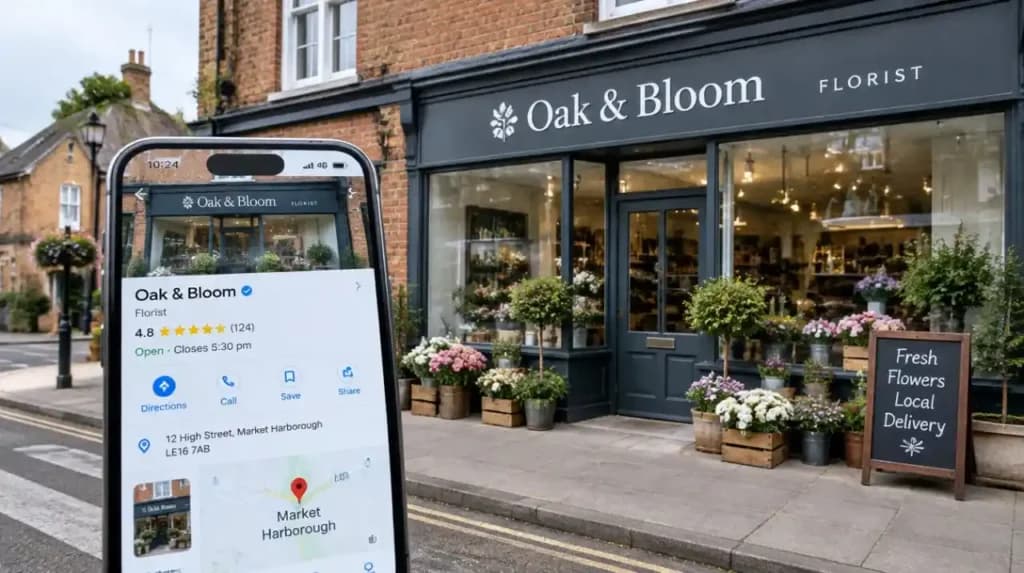
How to Stop Your Google Business Profile From Being Suspended Again
Prevention is quicker than cure. Here are some guidelines that you need to follow:
- Ensure you use your actual legal trading name; avoid any keyword stuffing or descriptors
- Provide your actual physical location, where someone is available during business hours
- Never provide a virtual location or co-working address
- Keep your NAP consistent across your website, Companies House, and all directory listings.
- Avoid making any changes in a single day; ensure that you do it gradually over a few days
- Regularly audit your account managers, and remove those who are not involved with your business anymore
- Never provide incentives for reviews; just request honest reviews
- Check your profile weekly to catch issues before Google flags them
- If keeping your profile compliant feels overwhelming, our local SEO services cover GBP management, NAP monitoring, and GBP compliance for UK businesses.
Frequently Asked Questions